
This article was updated Tuesday, April 28, 2026.
Got a new release on the way and wondering how you can promote it on Spotify?
Social media posts and newsletters help spread the word, but there’s a gap between someone scrolling their feed or reading an email and actually going to Spotify to pre-save or stream your music. Spotify’s Campaign Kit is built to close that gap with promotional tools that meet listeners inside the app with intelligent recommendations and notifications that serve up your music.
In this blog, we’ll show you how to get started with each tool – plus you’ll get some best practices and recommendations for ancillary tools to help you get better campaign results.
What is the Spotify Campaign Kit?
Campaign Kit is Spotify’s built-in suite of music promotion tools, accessible directly from your Spotify for Artists dashboard under the Campaigns tab. It consists of four tools — Playlist Pitching, Marquee, Showcase, and Discovery Mode — each designed to reach listeners at a different point in their journey of finding and streaming your music.
Discovery mode allows you to expand the reach of your music in users’ personalized playlists. Just select the songs that are a priority for you, and Spotify will use that signal to help your songs find listeners who will love them.
If your music is eligible for Discovery Mode, you’ll see a Discovery Mode section in your Campaigns tab in Spotify for Artists. Discovery Mode is still in beta phase at this time and is not available to everyone.
Important note: while Discovery Mode has no upfront costs, a 30% commission on earned recording royalties is collected by Spotify on tracks opted into the program.
How to get the most from Spotify’s Campaign Kit
The Spotify Campaign Kit is built to drive listeners to your Spotify profile. Therefore, a key step before using the toolkit is to ensure your profile makes a strong first impression.
Prepare your profile for new listeners by updating your:
- Profile photo and banner with new high-quality images
- Artist bio to include any details about your latest release
- “Artist Pick” to a custom playlist, latest release, or Countdown (more on that later)
- Tracks with new visualizers through Spotify Canvases, which CD Baby can help you create here
- Artist clips to share behind-the-scenes content, creative ideas, or shoutouts
Learn more ways to optimize your Spotify for Artists profile here.
Playlist pitching: Supercharged playlists to boost your streams
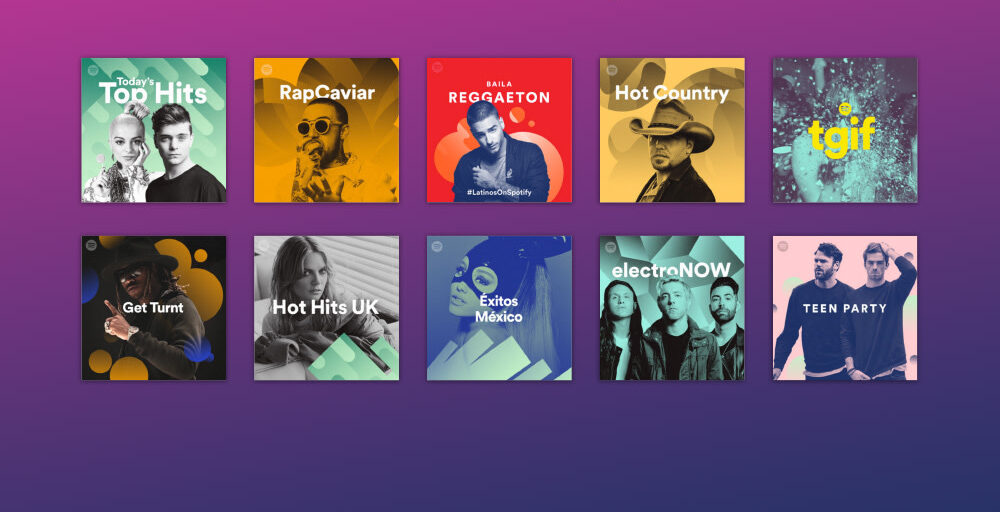
Playlist pitching is the most accessible tool in the Campaign Kit — and one of the most powerful. It lets you submit an unreleased track directly to Spotify’s editorial team for consideration on their curated playlists that attract millions of listeners.
According to Spotify, tracks featured on editorial playlists have seen up to a 50% boost in engagement during their first week of placement. And it’s not just the chart toppers making these lists — in 2024, 74% of artists added to an editorial playlist had fewer than 100K monthly listeners. But make no mistake, these playlists are still very competitive — think of them like free lottery tickets.
And it’s important to note — even if your track isn’t placed on an Editorial playlist, pitched tracks will appear on your Spotify’s Release Radar — an algorithmically curated personal playlist of recommended songs based on a listener’s taste and followed artists.
What to keep in mind
You can only pitch one unreleased track per project, so be strategic about which song you lead with. A smart workaround here is using a waterfall release strategy — dropping individual singles in the weeks leading up to an album allows you to pitch each one as a standalone project.
Pitch 4-6 weeks out. Spotify recommends submitting at least seven days before your release, but in practice, editorial teams are working well ahead of that. Four to six weeks gives editors a real runway to consider your track. In general, the earlier you submit, the better your chances.
Make your pitch actionable. Most artists describe what their track is about, but editors need more context than that to make informed decisions. Be prescriptive about what kind of listeners and contexts your music fits. Cite actual niche playlists your song would complement. And lastly, give valuable insights into your marketing strategy — including key performance metrics, tour plans, and comparable artists.
Learn more about pitching Spotify Editorials (and other playlists) here.
Countdown Pages: Build anticipation ahead of your release
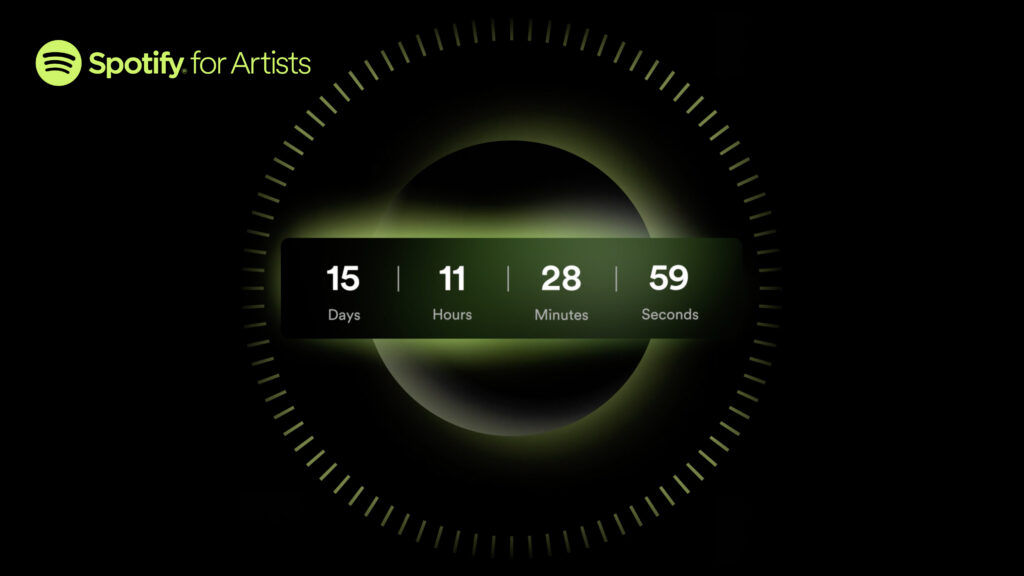
Although not technically a tool within the Campaign Kit, Countdown Pages are an excellent way to build momentum ahead of your release. Countdown Pages allow fans to pre-save your release, preview your tracklist, watch short countdown videos, and even shop merch — all directly inside Spotify.
Your Countdown Page appears in multiple places across Spotify, including followers’ home pages and your artist profile page.
When release day arrives, every fan who pre-saved gets a push notification and the album lands automatically in their library. No extra steps required on their end. That’s why, on average, nearly 60% of people who pre-save an album stream it in the first week. That’s an engaged, ready-to-listen audience you’ve already built before the music is even out.
Once your distributor (like CD Baby) delivers your release metadata to Spotify, you’ll have the option to create your Countdown Page from within your Upcoming Music tab of Spotify for Artists. To be eligible for Countdown Pages, you must have at least 3,000 active monthly listeners and an upcoming album or ep — singles, re-releases, and compilations aren’t eligible for countdowns. If you’re still climbing to the monthly listener benchmark for Countdowns, follow our guides to 1,000 streams and then 5,000 streams for step-by-step guidance to growing your audience.
What to keep in mind:
Publish early. Artists who publish their Countdown Page at least seven days before release see nearly twice as many pre-saves on average. Give yourself as much runway as possible.
Upload countdown videos. Short, vertical videos under 30 seconds work best — studio footage, a teaser of the tracklist, a glimpse into the world you’re building around the album.
Make your Countdown your Artist Pick. This pins your Countdown Page to the top of your Spotify profile, putting it front and center for anyone who lands on your page before release.
Share it everywhere. Once your Countdown is live, post the link across your socials. Pre-saves are one of the clearest signals of intent a fan can give you — and that audience is worth having in your corner on release day.
Marquee: Promotion when it matters most
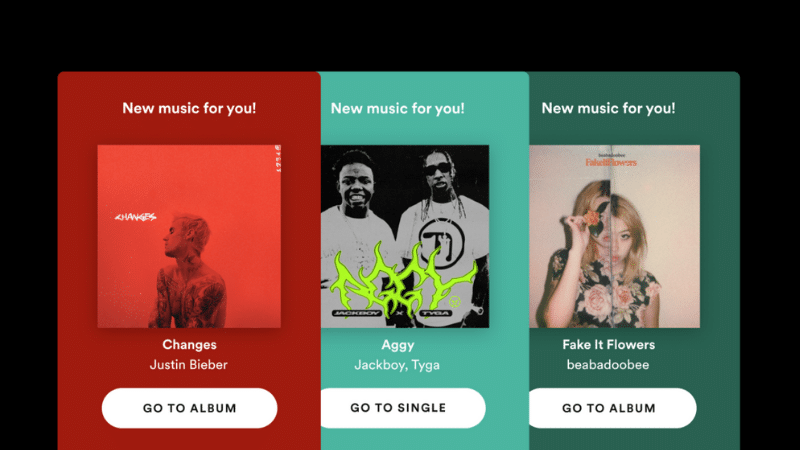
If you want to capture a listener’s attention the moment they open Spotify, Marquee is your tool. It’s a full-screen, sponsored recommendation that appears to Spotify Free and Premium listeners when they first launch the app — serving up your new release before they’ve even decided what to play.
When someone clicks on a Marquee, they’re taken directly to your release where they can stream, save, or explore more of your catalog.
Marquee campaigns are set up through your Spotify for Artists dashboard and are targeted using Spotify’s actual streaming behavior data — meaning you’re reaching people who are genuinely likely to connect with your music, not just a broad demographic.
To run a Marquee campaign, you also need at least 5,000 monthly active listeners in your selected target market. This tool is also designed for new releases — campaigns must start within 21 days of a release date. They can run for up to 10 days or until the budget is spent.
In a study with eight labels and distributors, Marquee campaigns delivered an average of 10x more Spotify listeners per dollar compared to similar social ads. Listeners who engage with a Marquee are also significantly more likely to save tracks and add them to personal playlists — the kind of actions that build long-term fans, not just one-time streams.
Showcase: Home-screen visibility for new and catalog music

Showcase is the Campaign Kit’s latest addition, and it fills an important gap: while Marquee is built for new releases, Showcase gives you the flexibility to promote any music, at any time.
It appears as a banner at the top of Spotify’s Home screen — the most-visited place on the entire platform, where billions of streams begin every day. That’s valuable real estate.
You choose the release you want to promote (new or catalog), set your campaign headline, define your audience, and your banner appears to listeners who are most likely to stream it. On average, people who see a Showcase are six times more likely to stream the promoted release.
Showcase is especially useful when a track is picking up traction organically and you want to sustain that momentum. It’s also a smart move for catalog plays — celebrating an album anniversary, capitalizing on a sync placement, or re-engaging listeners who’ve gone quiet.
Discovery Mode: Algorithmic reach without upfront cost
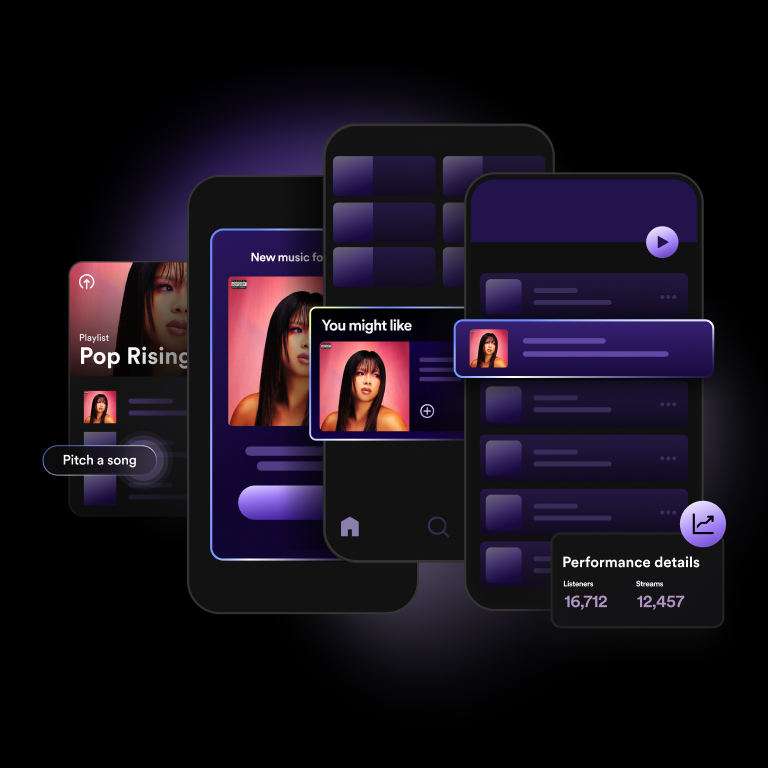
Discovery Mode is different from the other Campaign Kit tools. Instead of paying upfront for ad placements, you opt specific tracks in and Spotify uses that signal to prioritize your music in algorithmic listening experiences — Radio, Autoplay, and personalized playlists like Discover Weekly. Essentially, you tell Spotify which tracks you want to push, and the algorithm works to put them in front of listeners who are most likely to connect with them.
The trade-off is the royalty commission — Spotify collects 30% of earned recording royalties on streams generated through Discovery Mode placements. It’s worth doing the math for your catalog before opting in tracks with significant existing streams.
In your Campaigns tab, you’ll find a Discovery Mode section (if your music is eligible — the program is still expanding). Select the tracks you want to prioritize, opt them in, and Spotify does the rest. There’s no bidding, no ad creative, no minimum spend.
If your track is eligible, it’s worth testing — especially for developing music that hasn’t yet found its full audience.
Using the tools together
The real power of Campaign Kit comes from combining the tools strategically. Here’s a framework to get the best results:
- Pre-release: At least two weeks before your release, submit a single for Spotify’s Editorial Playlists and if eligible, set up a Countdown Page.
- Release week: Activate a Marquee campaign to hit listeners with a full-screen recommendation right when the single goes live.
- Ongoing promotion: Turn on Discovery Mode for the single to expand its reach in algorithmic playlists and radio.
- Catalog plays: Use Showcase to spotlight a fan-favorite or catalog track, especially around milestones, tours, or viral moments.
Each tool targets listeners at a different stage — from people who’ve never heard of you to your most loyal fans. Using them together helps you build the kind of sustained momentum that a single release push can’t create on its own.
Get your music on Spotify with CD Baby
All of these tools — Countdown Pages, playlist pitching, Marquee, Showcase, Discovery Mode, and more — depend on one thing being in place first: your music distributed to Spotify correctly and on time.
A Spotify preferred partner, CD Baby distributes your music at affordable pay-per-release rates without annual fees. Plus, you’ll get access to publishing administration and marketing tools to help you grow your audience and earn more from your music.
You’ve built something worth hearing. Make sure you have the infrastructure to back it up. Sign up to release your music today.